Connected Devices & Business Security
The devices your IT policy forgot
If it can capture business information or connect to your network, it belongs somewhere in your IT and security thinking.
9 min read — Altitude IT Security Team
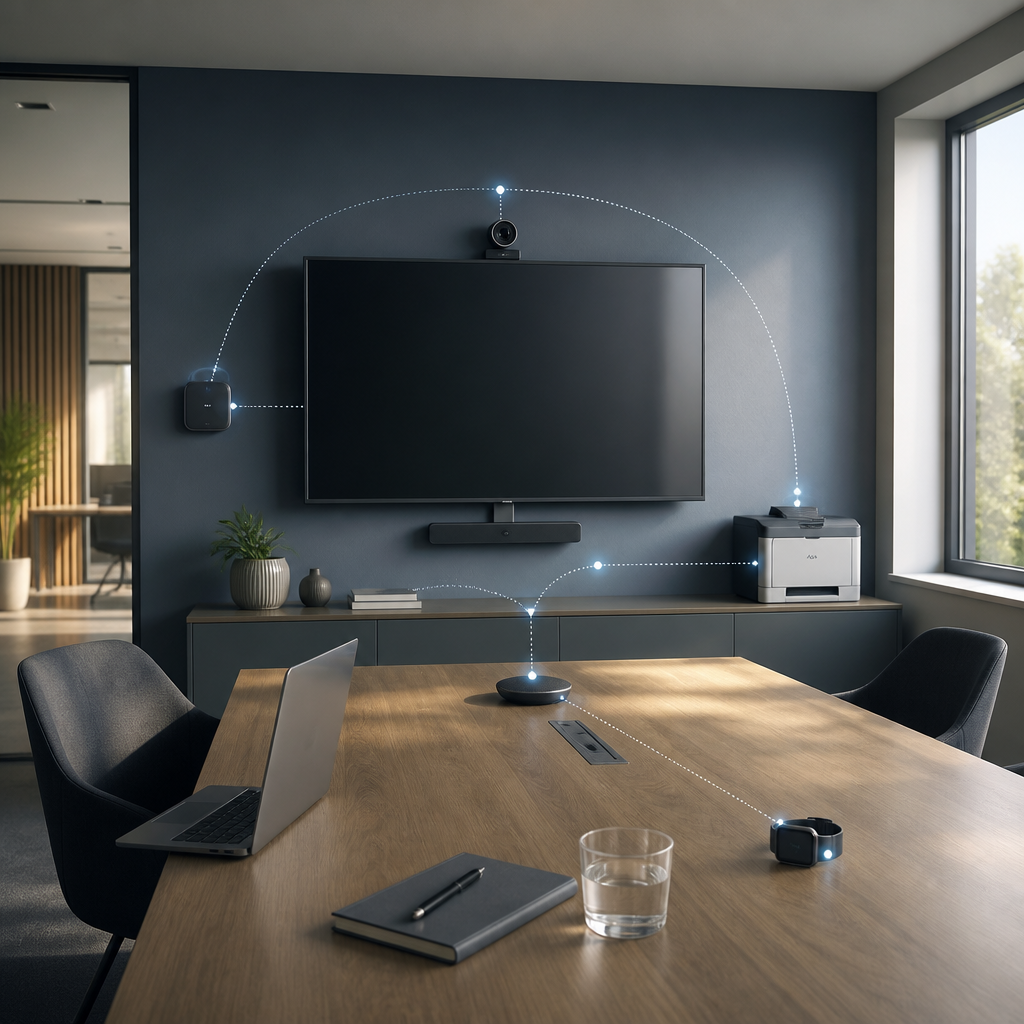
Most IT policies were written around familiar equipment: laptops, desktops, servers, phones and network infrastructure. That list is no longer enough.
More devices contain cameras, microphones, software, accounts and network connectivity, even when they do not look like traditional IT equipment. A smart television, printer, conferencing bar, CCTV camera, door-access controller, speaker or digital sign may hold settings, credentials, recordings or a route into another system.
This is not an argument for banning every new device. It is a management question:
If something connects to your network or can capture business information, where does it appear in your IT and security thinking?
Start with the meeting room
The meeting room is a useful practical example because it combines business conversations, connected equipment and visiting devices.
Before an important meeting, ask:
- What connected equipment is in the room?
- Does anything contain a camera or microphone?
- Is voice functionality enabled?
- What network is each device connected to?
- What other systems can it see?
- Is its firmware current?
- Which accounts are signed in?
- Who manages the device and its supplier account?
- What happens when the device reaches end of support?
The answers do not need to become a large compliance exercise. They should be clear enough for management to understand what is present, what it can do and who is expected to keep it under control.
Capability matters more than product category
A policy that says “no cameras” may sound simple but can be unhelpful. A business may need cameras for a video meeting, security system or accessibility feature. The more useful question is whether a device can record, transmit, store or expose confidential information, and whether that capability is authorised in the context.
That leads to more practical wording:
“No unauthorised recording devices during confidential meetings.”
The same principle applies to wearables. Camera-equipped smart glasses are not important because of one particular brand. They are important because a small, personal-looking device may be able to record a conversation, image or screen without being obvious to everyone present.
Use the capability to decide the control. Do not let a device escape consideration simply because it is called a television, pair of glasses, printer or speaker.
Network access should match the job
A meeting-room television probably does not need the same network access as a server or finance computer. A printer may need to receive print jobs but not browse every internal system. A camera may need to reach its recording platform without reaching the file server.
Network segmentation is simply a way of keeping different kinds of equipment in separate areas, with controlled routes between them. It limits what a compromised or misconfigured device can see. It also makes unusual connections easier to notice.
Segmentation is not a magic boundary. Devices still need secure accounts, current firmware, sensible settings and a responsible owner. It is one proportionate layer in a wider control set.
Do not forget accounts and supplier access
Connected equipment often has more than a network address. It may have a manufacturer cloud account, a mobile app, a local administrator password, an installer account or a subscription that somebody pays for.
For each important device, record:
- the device and its business purpose;
- the network or service it uses;
- the account owner and recovery method;
- who can administer it;
- what it can capture, store or transmit;
- how firmware and security updates are handled;
- what data is retained and for how long; and
- what happens when it is replaced or reaches end of support.
Supplier access matters too. A camera installer or meeting-room supplier may need legitimate access during a support job, but that does not mean a permanent, unmanaged account should remain active indefinitely.
Make the policy proportionate
Not every connected device has the same risk. A public digital sign, a boardroom camera and a door-access controller may need different treatment because their data, actions and failure modes differ.
A proportionate review considers:
- the sensitivity of the information the device can capture or reach;
- whether it can change something important;
- how exposed it is to visitors or the internet;
- how quickly a problem would be noticed;
- how easy it is to isolate or replace; and
- the cost of the control compared with the risk it reduces.
This is why the answer is not always “ban it” or “put it on the corporate network.” The answer may be a separate network, a disabled microphone, an account review, an agreed meeting-room rule, a firmware plan or simply an accurate inventory.
Frequently Asked Questions
Does every IoT device need to be blocked?
No. Blocking everything may disrupt useful business functions and encourage people to work around the policy. Identify the device's capability, data, connections and owner, then choose a control proportionate to the risk.
Should personal smart glasses be banned from meetings?
Not automatically. A business may reasonably restrict unauthorised recording devices during confidential meetings, while allowing ordinary personal devices in lower-risk situations. The rule should reflect the information being discussed and the device's capabilities.
What is the first step for a small business?
Walk through the workplace and list equipment that has a camera, microphone, account, cloud connection or network access. Add the meeting room, reception, production areas and remote sites rather than relying on the laptop register alone.
The Altitude IT view
Technology policy should follow capability, not just product category. If something connects to your network, treat it as part of your IT. If it can capture business information, treat that capability as part of the security conversation.
Altitude IT can help businesses build a practical view of devices, accounts, networks and dependencies through security assurance, IT operations services and proportionate technology advice.